¶ Getting Started with Inteliverse & your Controller
Congratulations on your new Inteliverse controller! If this is your first device, follow this quick start guide to get up and running quickly.
¶ Quick Start Video
¶ Downloading the Mobile App
This screenless controller is configured and managed completely through your mobile device.
Use the links below to download the app:
- iOS: Inteliverse App — App Store
- Android: Inteliverse — Google Play Store
¶ Account Creation
With the mobile app downloaded, launch it and you will be prompted with a login screen. First time users can click the Sign Up link to create an account.
You can also register directly at https://inteliverse.app/signup.
If your company already has an account with us, self-registration will automatically add you to the company profile.
Call or email us
Phone: +1 (941) 241-3377
Email: support@dosinfection.com
¶ Getting Started Guide
¶ Pre-Requisites
Before you begin, make sure you have the following:
- A compatible mobile device with the Inteliverse mobile app installed
- An active Inteliverse user account
- A wireless network with internet access (preferred)
Note: For complete functionality the controller must be connected to an internet-enabled wireless network. Ensure the network is live and ready before powering up the controller.
¶ Step 1 — Download the app
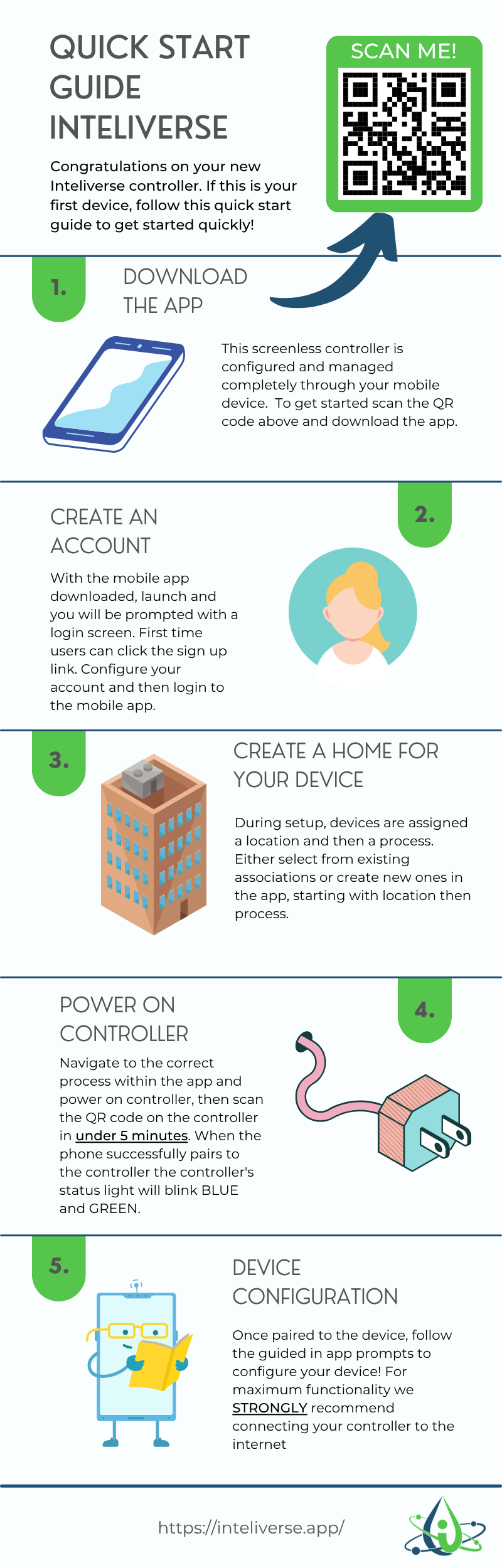
Scan the QR code on the controller packaging or visit inteliverse.app to download the mobile app. The controller has no screen and is configured entirely through the app.
¶ Step 2 — Create an account
Launch the app and tap the Sign Up link on the login screen. Configure your account and log in. If your company already has an account, self-registration will add you to the company profile automatically.
¶ Step 3 — Create a home for your device
During setup, devices are assigned a location and then a process. Either select from existing associations or create new ones in the app, starting with location then process.
If you already have a location and process set up, simply navigate to them.
¶ Step 4 — Power on the controller
Navigate to the correct process within the app and power on the controller, then scan the QR code on the controller within 5 minutes.
When the phone successfully pairs to the controller, the status light alternates blue and green.
¶ Step 5 — Device configuration
Once paired, follow the guided in-app prompts to configure your device:
- Set up the device name
- Set up pressure thresholds
- Set up HOA status
- Optional but strongly recommended: Set up WiFi for remote access
- Select your WiFi network from the dropdown and enter your credentials
- The device will provision itself with the cloud — the light returns to alternating blue and green
- Press Next — this step performs the following:
- Sends a claim command to the device
- Disconnects the phone from the device
- Has the phone reach out to InteliVerse to claim the device
- This ties the device to the process and location under your customer account
Strongly recommended: Connect your controller to the internet for maximum functionality including remote monitoring and cloud access.
Once complete, you will see a green success pop-up and be navigated to the overview screen.
¶ Visual Quick Start Guide
¶ Need Help?
Visit https://inteliverse.app or email us at support@dosinfection.com